Killing Figma: cutting hi-fi design from a week to two days
Moved design into the product org's builder model by retiring Figma, and rebuilt the handoff so engineers' AI agents read it directly.
2026
- Role
- Product design manager and AI infrastructure lead
- Team
- 1 product designer, 2 researchers and 1 localisation specialist, serving the product org
- Stack
- Outcome
- Retired Figma, and product managers start projects without waiting on design





The shift
The whole product org at ShopBack is shifting to work as product builders. Each product is one end-to-end workflow across product management, design and data, and leadership expects every builder to build across it with AI. The product design team had to show what that meant in practice, and help non-designers get their ideas into design.
- Why: Leadership wants an AI-native organisation, where human time goes to building and selling, not to passing work from one person to the next. Leadership announced the shift at the end of July 2026, and this work supports that direction.
- Scale: 20+ product managers, 10+ product designers and 120+ engineers, in a company of 500+, so about one designer for every 12 engineers.
- Before: Design for a feature took two to three weeks, with hi-fi alone taking about a week, and designers jumped from project to project to meet tight deadlines.
What made it hard
- Root cause: Figma was not AI-friendly. Its AI integration was limited and restrictive, what it handed to AI was poor, and outside of designers almost no one knew how to use it. The tool became one of the main blockers stopping non-designers from contributing to design.
- Consequence: Design resources stayed scarce, so product managers kept working as usual and queued requests for designers.
- Constraint: Product managers did not believe AI was ready to design. Designers were hesitant to leave the tool they knew and loved. Engineers preferred Figma as the handoff artefact. Retiring Figma meant replacing a process that teams relied on.
What I did
Killing Figma.
Design should not be about cleaning up layers, checking that tokens follow the standard, fixing detached components or wiring screens into a prototype. None of that is design. Those are chores. As long as we stayed on Figma, they stayed with us.
Figma keeps shipping features to make this easier, but our workflow should not wait on a product we cannot control. A tool should not limit the ability to design. AI takes the chores off our hands, which leaves more time for better design, not AI slop.
I led the product design AI infrastructure team of four: a designer, two researchers and a localisation specialist. I set the direction for every tool, and the team built to it. My own hands-on part was the handoff from design to engineering. Our only goal was to let non-designers explore and share ideas without waiting on a designer. We shipped:
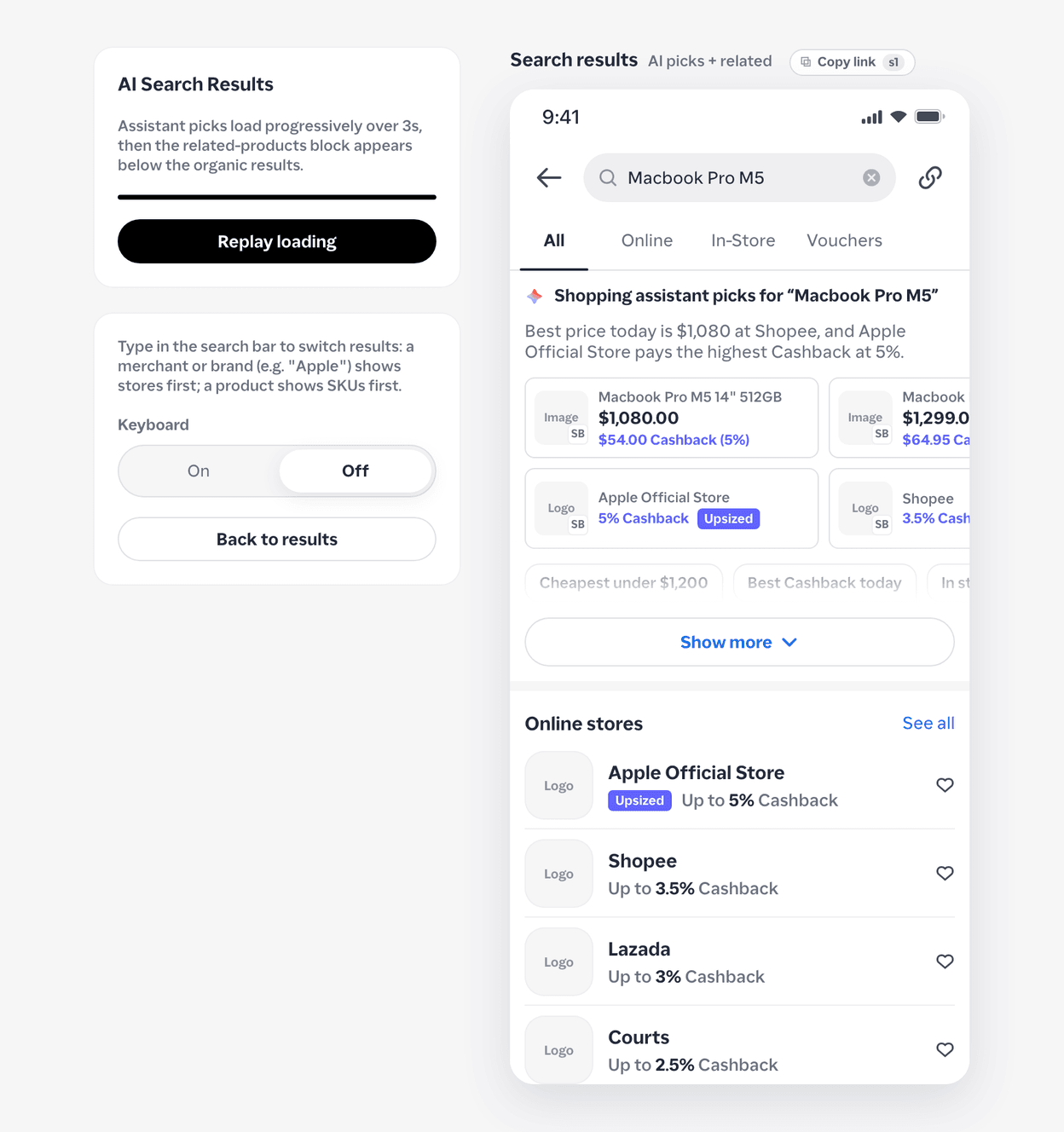
- Claude plugins: Plan the build and check screens against the design standard.
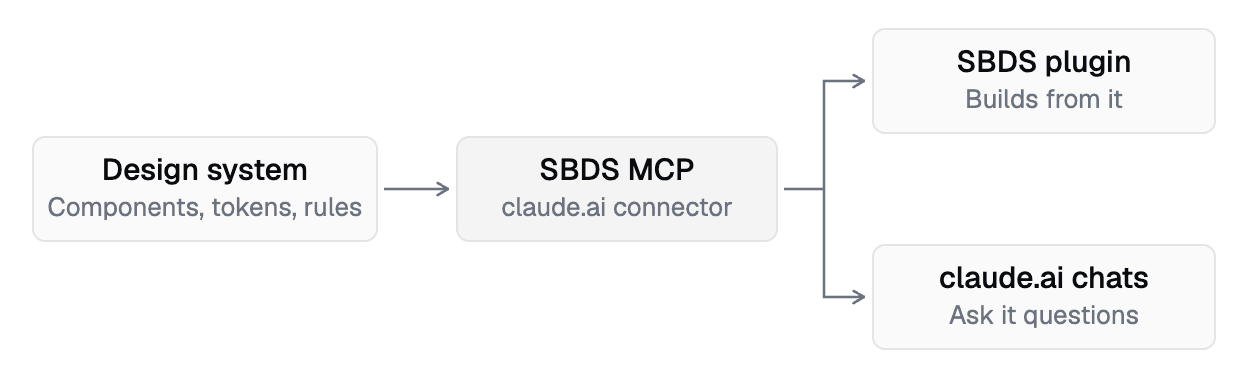
- Model Context Protocol (MCP) server: Gives agents the tokens, components and rules of the ShopBack Design System (SBDS).
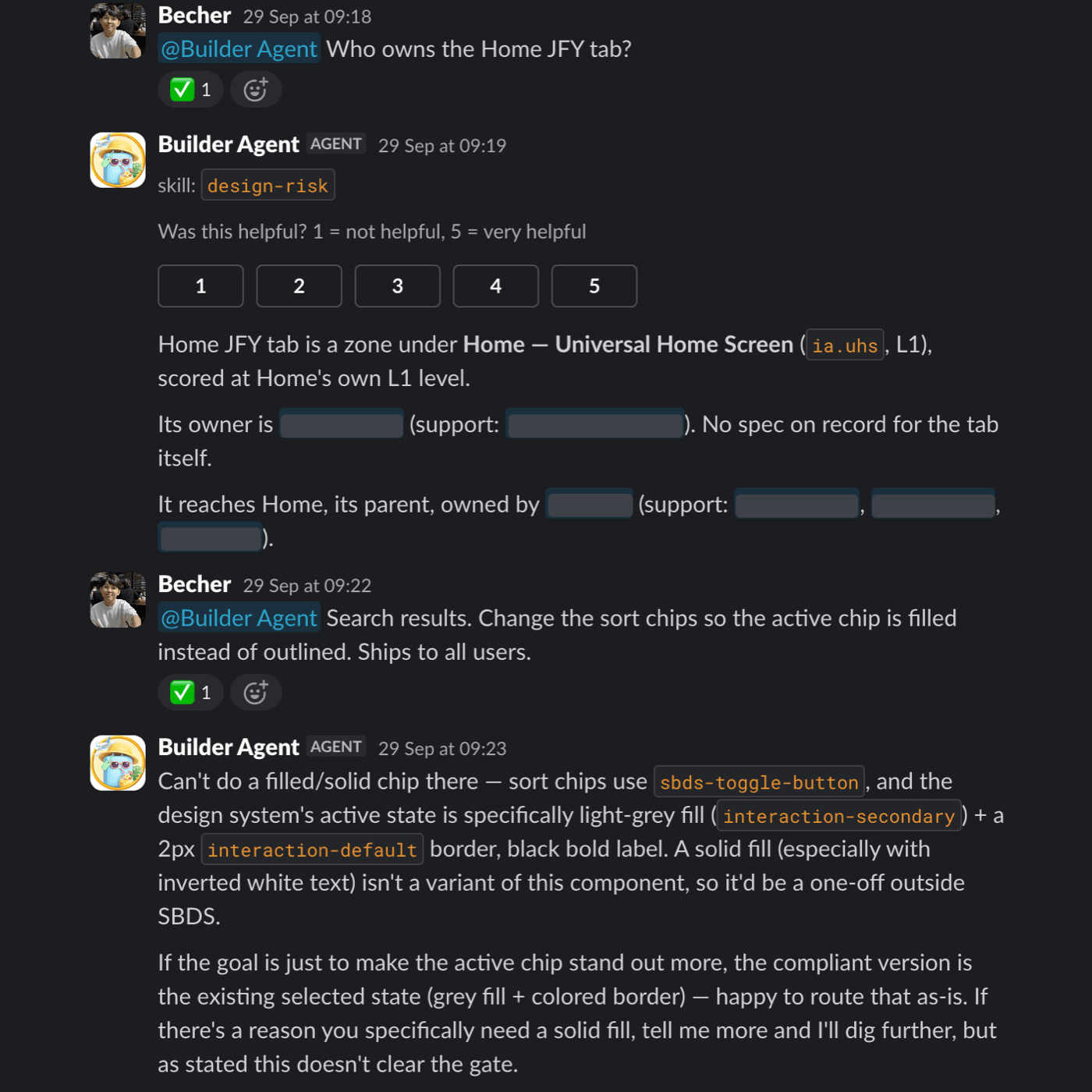
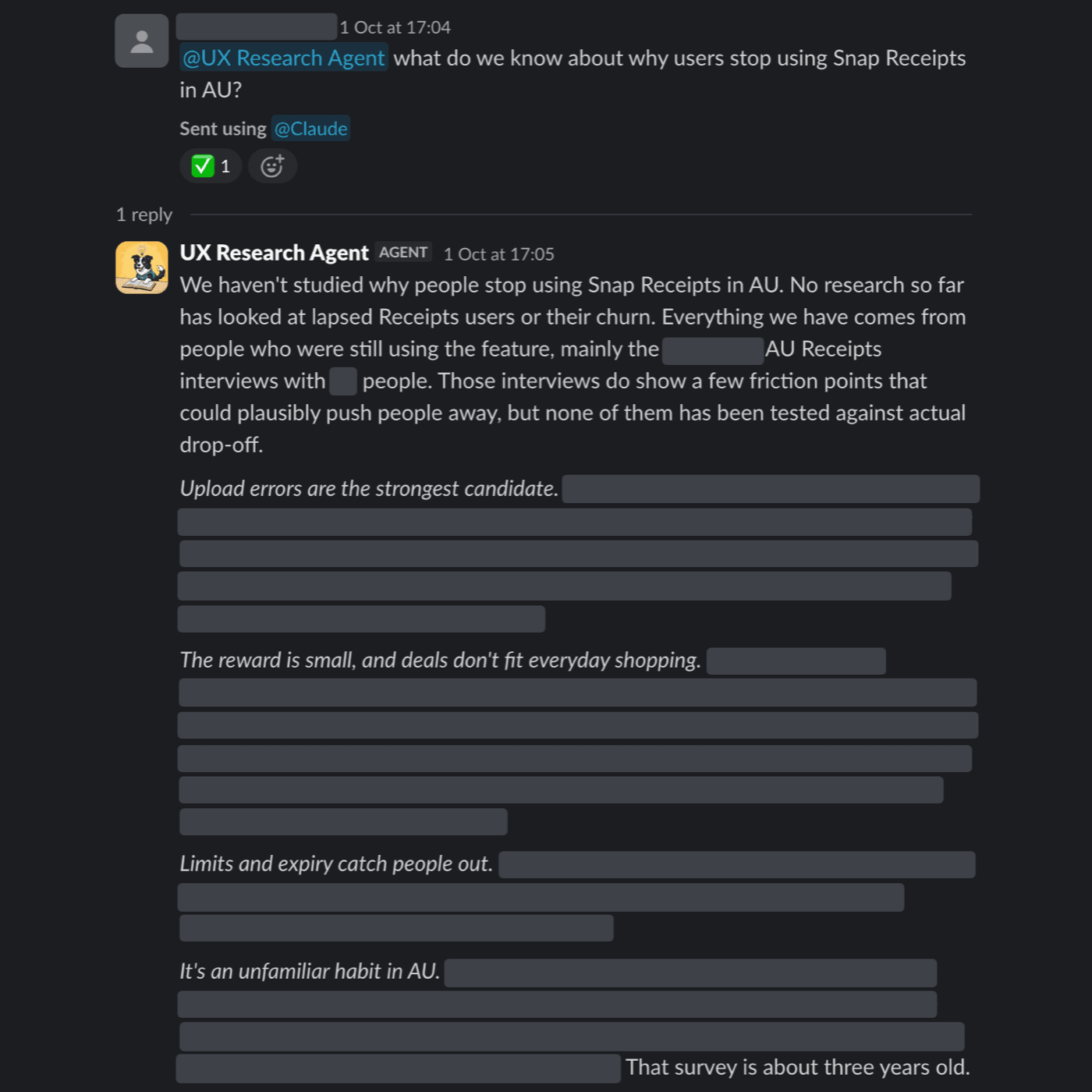
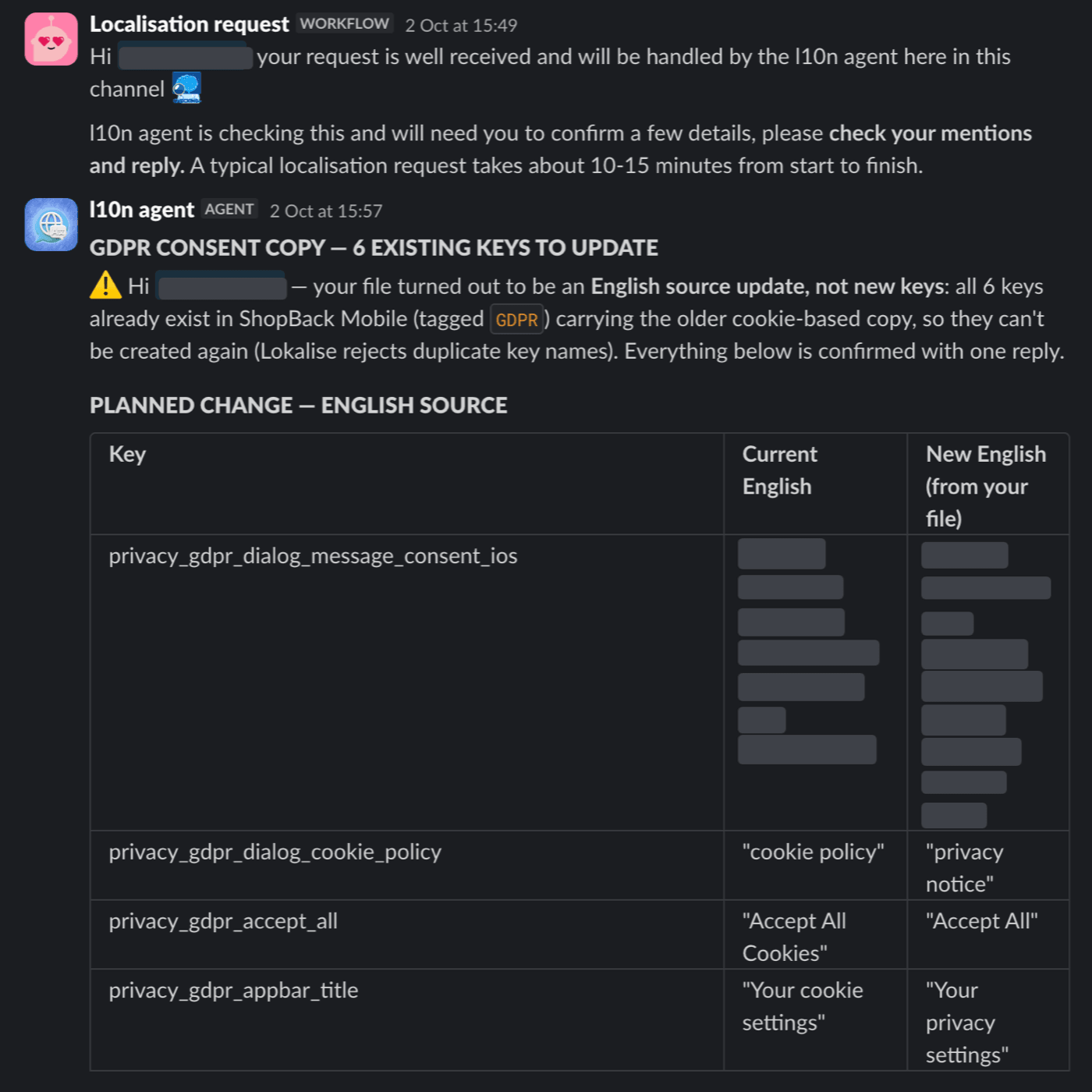
- Slack agents: Run any design task from Slack through one orchestrator.
- Guidelines via graph engineering: Store design rules, components and standards as one connected graph. Each link says which rule applies to which component, so an agent pulls only the rules that matter for the screen in front of it.
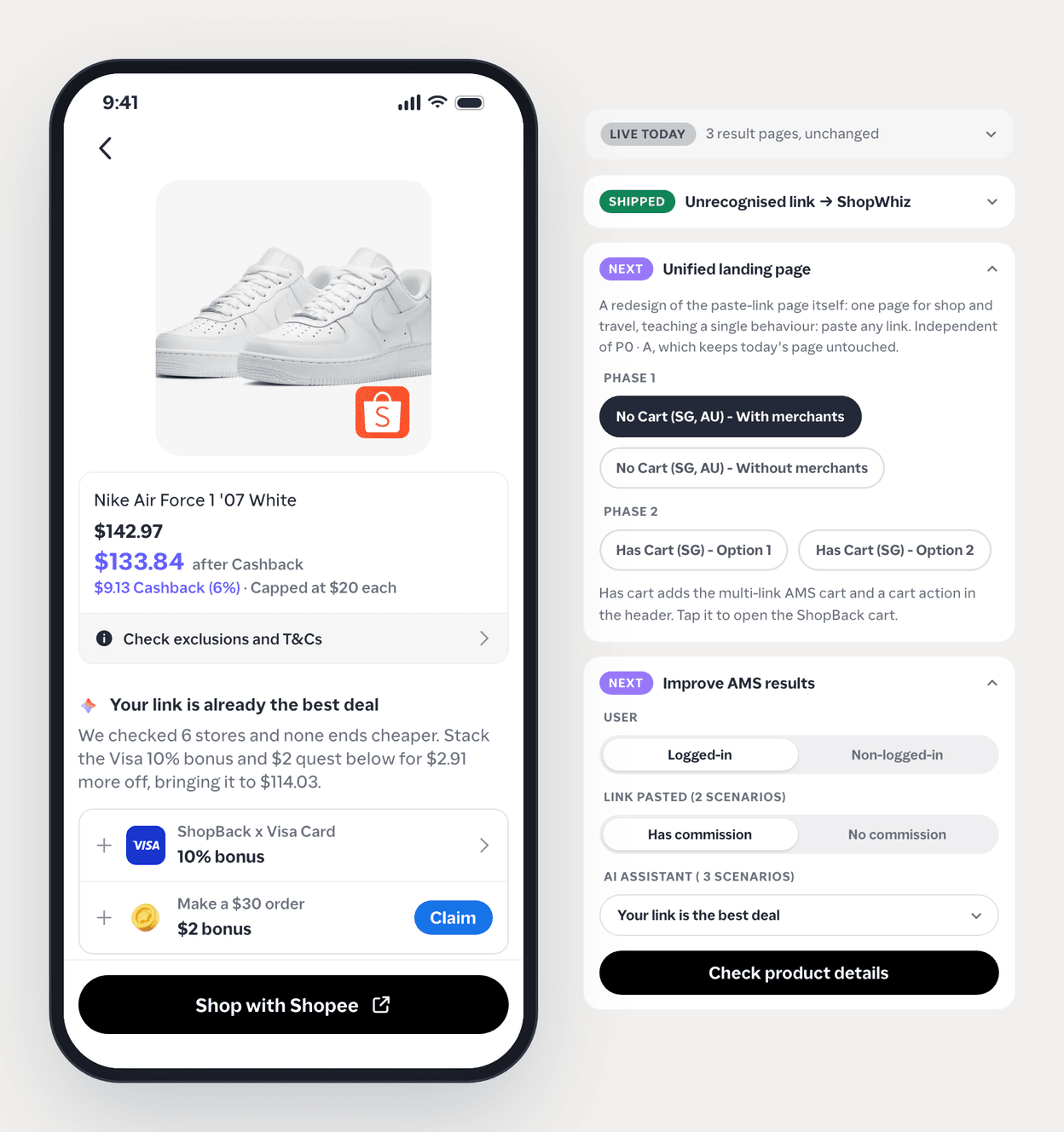
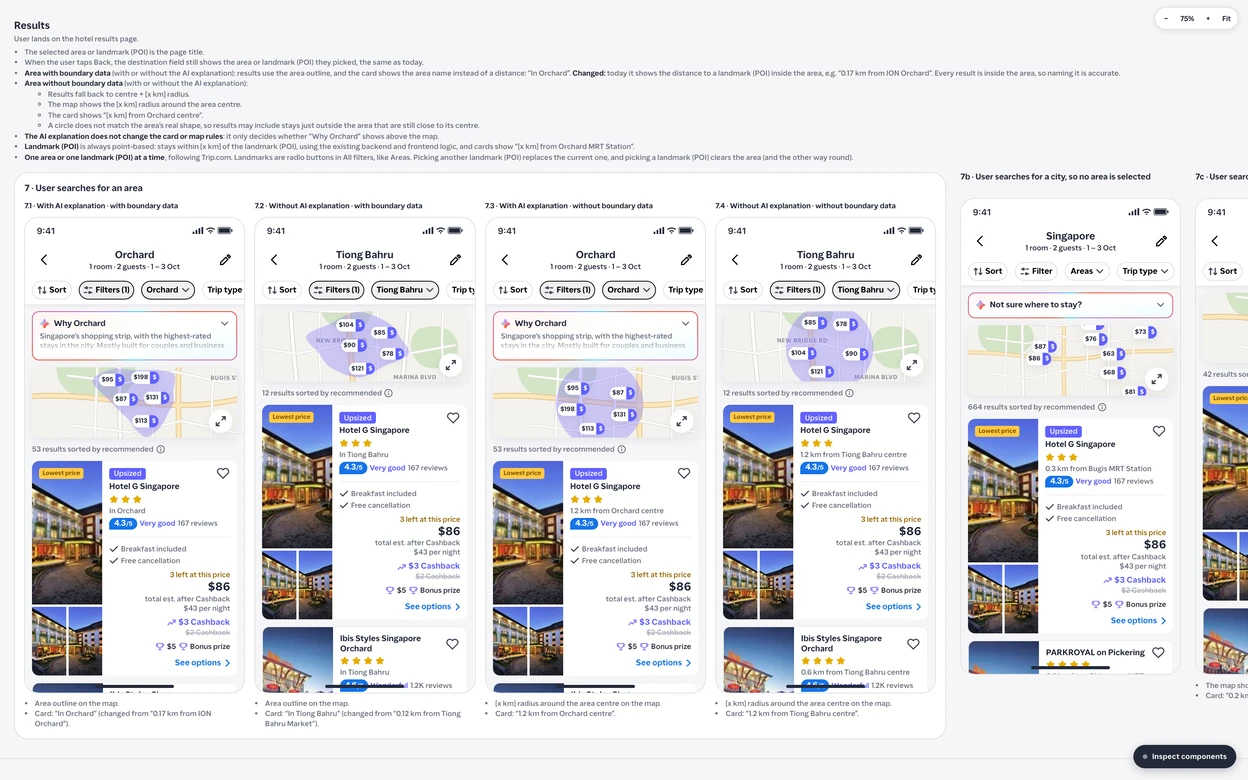
- Agent-readable handoff template: Records the interaction, information architecture and token decisions for engineers' agents to read.
Each one helps non-designers produce work that follows our guidelines and share their ideas.
I also had to bring product managers and engineers with us:
- Product managers: Ran enablement sessions, with work from colleagues across ShopBack that showed what the tools could do.
- Engineers: Answered their concerns, which were mostly about design inspection and shareable anchor links. I made sure everything they used in Figma had a place in the handoff template.
What changed
- Less waiting: Product managers can start a project and show the idea without queuing for a designer, and the guidelines keep that early work on standard. Designers join where they add the most.
- Handoff: Figma is gone from the product design team's workflow, and handoff runs through an agent-readable template.
- Adoption: 100% of the product design team uses Claude Code to design, and the first hi-fi design we made without Figma went to engineering kickoff.
- Faster hi-fi: Hi-fi design now takes one to two days, down from about a week.
- Designers move up: More time goes to interaction, animation and prototypes, so stakeholders see the idea sooner.
How designers create designs with our tools